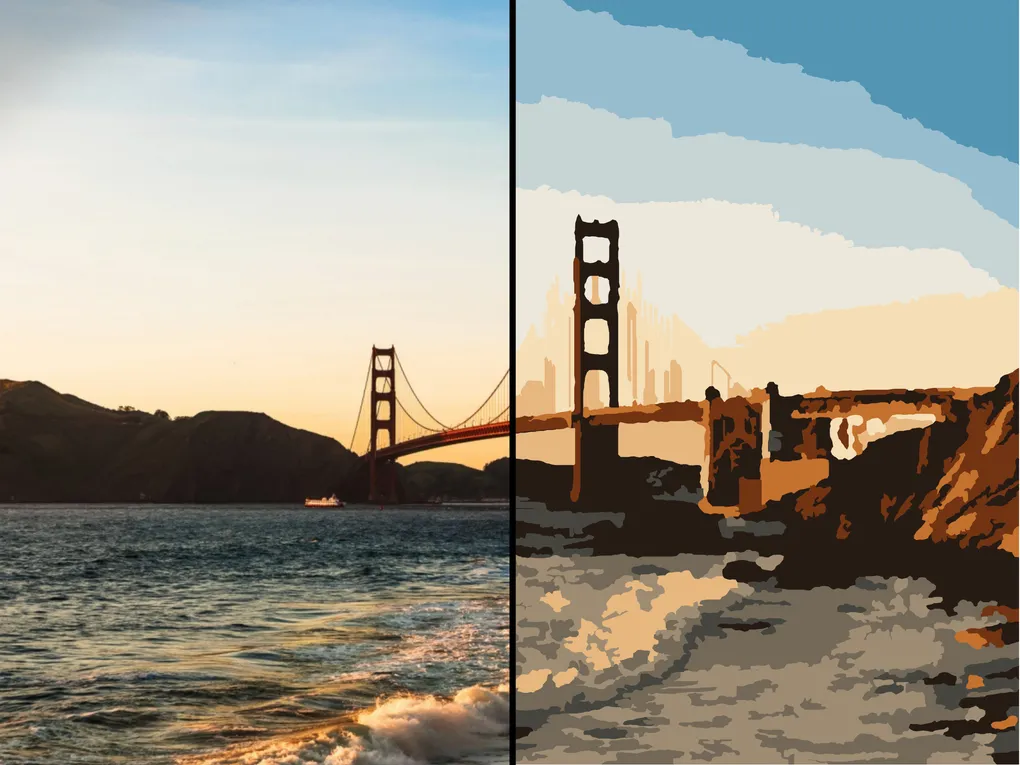
Paint by Numbers
Paint by Numbers is a Canva app that transforms your images into printable paint-by-number templates.
Welcome!
Paint by Numbers is a Canva app that transforms your photos and illustrations into beautiful paint-by-number templates. With a single click, you can convert almost any image into a numbered outline complete with a matching color palette, ready for printing or sharing.
Getting started is easy:
- Search for Paint by Numbers in the Canva Apps marketplace and open it.
- Select an image from your Canva design or upload a new one.
- Choose your generation settings, such as the number of colors and level of detail.
- Preview the generated paint-by-number template.
- Click Add to design to insert the finished template into your Canva project.
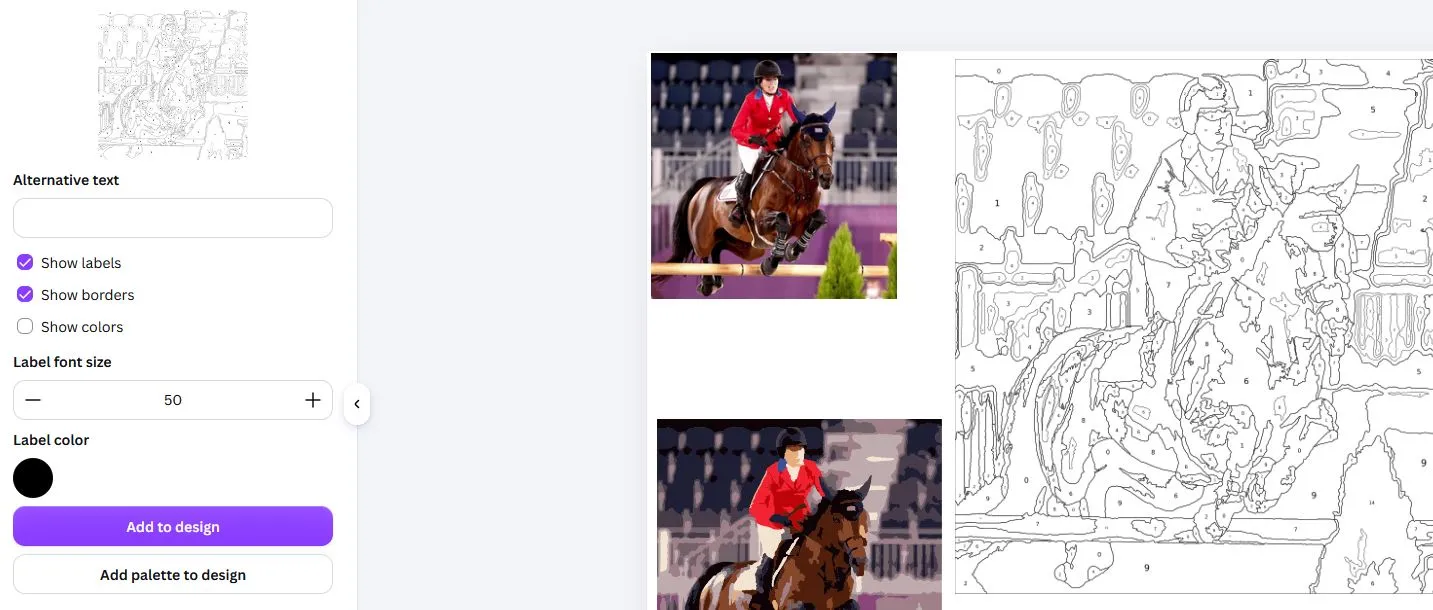
Every generated template is added as a new asset in your Canva design, leaving your original image unchanged. You can experiment with different settings to create templates with varying levels of complexity.
Features
Paint by Numbers is designed to produce clean, easy-to-follow templates suitable for hobbyists, educators, and artists alike.
- Automatic Image Conversion – Turn photographs and illustrations into paint-by-number templates.
- Customizable Color Count – Adjust the number of paint colors used in the final template.
- Numbered Regions – Each area is labeled with its corresponding color number.
- Color Palette – Generate a matching color key alongside the template.
- Adjustable Detail – Control how simple or detailed the finished template should be.
- High-Quality Output – Produce vectorized templates suitable for printing or digital use.
What is Paint by Numbers?
Paint by numbers is a painting technique where an image is divided into numbered regions. Each number corresponds to a specific paint color. By filling each region with its matching color, anyone can recreate a detailed painting, regardless of their artistic experience.
Paint-by-number templates are popular for:
- Arts and crafts projects.
- Educational activities.
- Personalized gifts.
- Relaxation and mindfulness.
- Learning painting techniques.
Tips
- Images with good lighting and clear subjects usually produce the best results.
- Increasing the number of colors creates a more detailed template.
- Reducing the number of colors creates a simpler template that's easier to paint.
- Try generating multiple versions of the same image with different settings to find your favorite result.